


TikTokio Video Downloader
- No Watermark
- HD Quality
- MP3 Audio
- 100% Free
TikTokio is a free TikTok downloader that saves videos without the watermark. Paste a TikTok link in the box above, tap Download, and save the video as an HD MP4 or as an MP3. It works in any browser on iPhone, Android and PC, with no app and no sign-up.
What Is TikTokio?
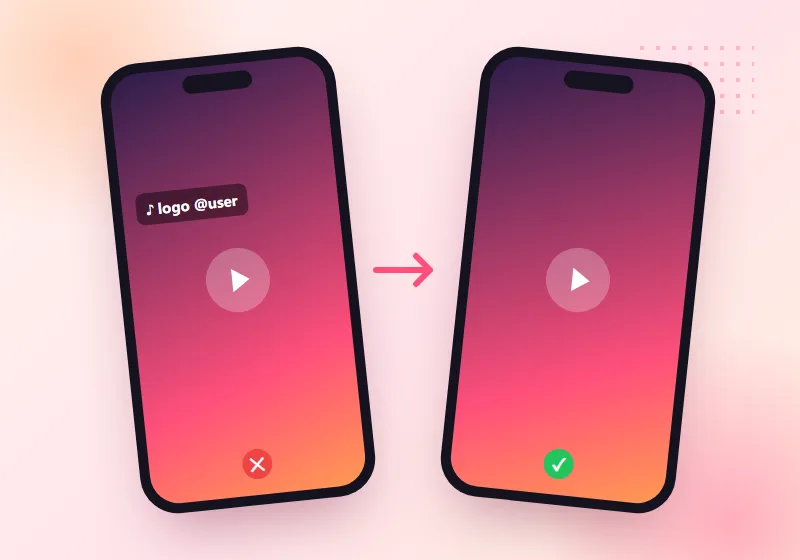
TikTokio is an online tool for saving TikTok videos to your phone or computer. When you save a video inside the TikTok app, TikTok adds its logo and the creator's username, and the logo moves around the screen. TikTokio gets the clean version of the video instead, so you're left with just the clip.
Unlike a TikTok downloader app, it runs in your browser, so there's nothing to install. You don't need a TikTok account either. All you need is the link to a public video.
How to Download TikTok Videos Without Watermark
1. Copy the Video Link
Open TikTok and find the video. Tap the Share arrow on the right side, then tap Copy link. On a computer, you can copy the address from your browser's address bar instead.
2. Paste It on TikTokio
Come back to this page and paste the link into the box at the top. Then tap Download.
3. Pick a Format and Save
In a few seconds you'll see your options. Choose MP4 HD for the clean video, or MP3 for just the sound. The file saves straight to your device.
That's all there is to it. The next sections explain where the file goes on each device.
Features of TikTokio TikTok Downloader
No Watermark
Videos are saved without the bouncing TikTok logo and username. That's handy if you want to watch a clip on a bigger screen, or keep your own videos clean for editing.
HD Quality
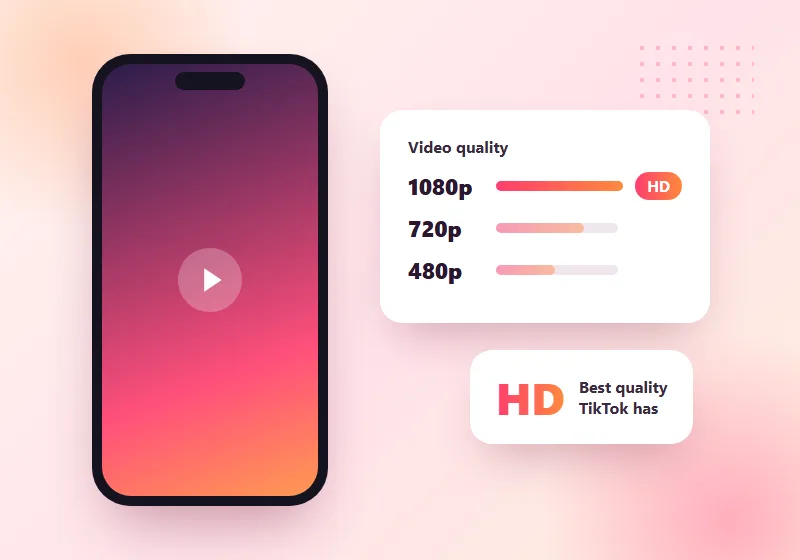
Our TikTok downloader saves the best quality TikTok has for that video. If the creator uploaded in HD, you get HD. The tool can't make a low-quality upload look sharper, though.
MP4 and MP3
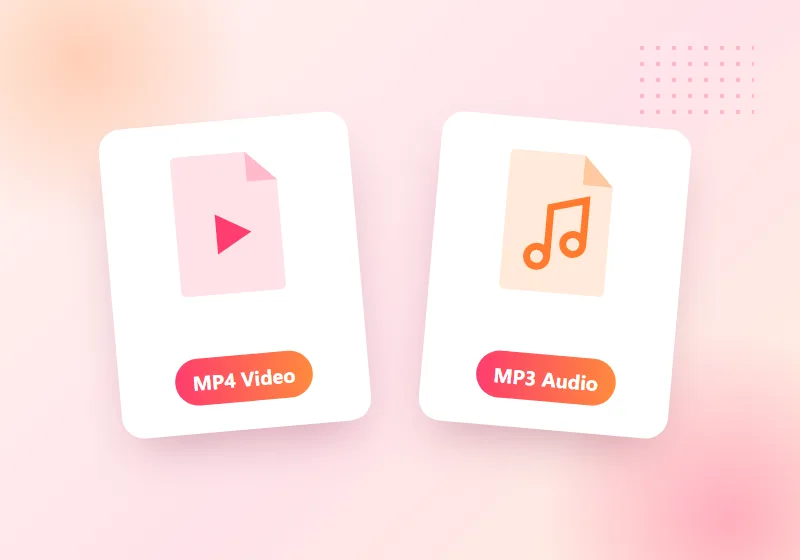
You can save a video as an MP4, or save only the audio as an MP3. MP3 is useful for songs, voiceovers and sounds you want to keep.

Photo Slideshows
TikTok photo posts work too. You can save each picture on its own, along with the music.
Works on Every Device
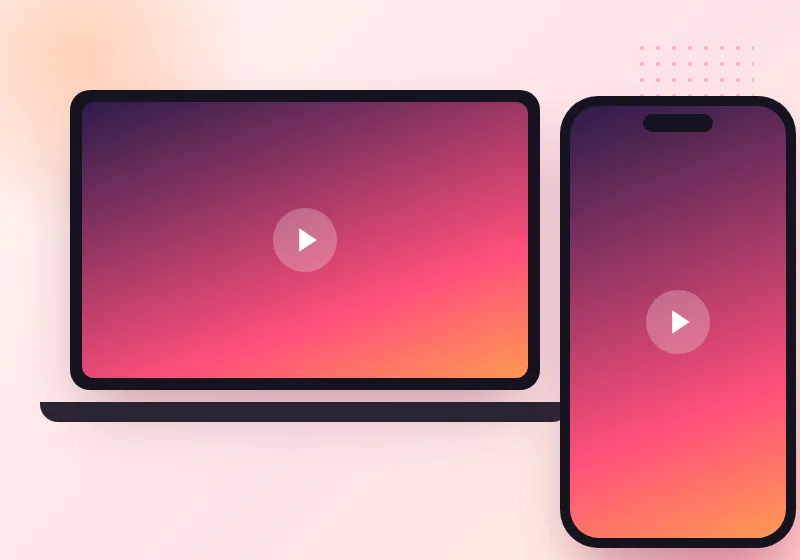
Use the TikTok downloader in Chrome, Safari, Firefox or Edge, on iPhone, iPad, Android phones and tablets, and Windows or Mac computers. There's no app to install.

No Sign-Up
You don't need to create an account or log in to TikTok. Just paste and download.

Free to Use
TikTokio is free. The site is supported by ads, so you'll see some while you use it.
Want just the sound? Use our TikTok MP3 downloader. For picture posts, our photo posts tool saves every image, and the Stories downloader keeps Stories before they expire.
Why Use a TikTok Downloader?
People save TikTok videos for all sorts of reasons. Here are the most common:
- Back up your own videos. If you post on TikTok, keep a clean copy of every clip in case your account has a problem.
- Edit your clips. A video without the watermark is much easier to trim or add to a longer video.
- Watch offline. Save recipes, workouts and tutorials to watch later without internet.
- Keep a song or sound. Save just the audio as MP3.
- Share with permission. Send a friend's video to family who don't use TikTok.
A TikTok downloader saves time because you don't need a screen recorder, and the result is cleaner.
Where Do Downloaded TikTok Videos Go?
| Device | Where to find the file |
|---|---|
| Android | Files > Downloads, and usually in your Gallery too |
| iPhone / iPad | Files app > Downloads. To move it to Photos, open it, tap Share and choose Save Video |
| Windows PC | The Downloads folder |
| Mac | The Downloads folder in Finder |
On iPhone, Safari needs iOS 13 or newer to download files directly.
Save TikTok Videos on Any Device
On Android
Copy the link in the TikTok app, open Chrome and paste it on TikTokio. Tap Download, choose MP4 or MP3, and the file goes into your Downloads folder.
On iPhone or iPad
Copy the link in TikTok, then open TikTokio in Safari. Paste the link and tap Download. Safari asks if you want to download the file, so tap Download again. You'll find it in the Files app.
On PC or Mac
Open TikTok in your browser, copy the address of the video and paste it on TikTokio. Click Download and pick a format. The file lands in your Downloads folder.
Our step-by-step guide has fixes for each device.
TikTok's Save Button vs TikTokio
| Feature | TikTok "Save video" | TikTokio |
|---|---|---|
| Watermark | Yes, logo and username | No |
| MP3 audio only | No | Yes |
| Needs TikTok app | Yes | No |
| Works on PC | Limited | Yes |
TikTok's own button is fine if you don't mind the watermark. A TikTok downloader like TikTokio is for when you want a clean file or just the audio.
What TikTokio Can't Do
It's better you know this before you try:
- Private videos can't be downloaded. Only public videos work.
- Deleted videos can't be saved once they're gone from TikTok.
- Bulk downloads aren't supported. You save one video at a time.
- Usernames and hashtags don't work as input. You need the link to the video itself.
Use Downloads Responsibly
Every TikTok video belongs to the person who made it. Saving a clip to watch later is one thing. Re-uploading it as your own is another. Please:
- Download for personal use, or save your own videos.
- Ask the creator before you share or reuse their video.
- Always credit the creator if you post their content with permission.
- Don't sell or earn money from other people's videos.
Is TikTokio Safe?
TikTokio is a website, so there's nothing to install on your phone. You don't share your TikTok password or any personal details, and you don't need an account.
Like most free tools, the site shows ads. Some ads on the web can be pushy, so ignore any pop-up that asks you to install an app or "clean your phone". You only need the Download button on our page.
TikTokio Not Working? Quick Fixes
"Invalid link" error
Make sure you copied the full link from the Share menu. Links that start with tiktok.com or vm.tiktok.com both work.
The video won't download
The video may be private or deleted. Open the link in TikTok to check it still plays for everyone.
The video opens in a new tab instead of downloading
Long-press (or right-click) the download button and choose Download link or Save link as.
Nothing happens on iPhone
Use Safari, and make sure your iPhone runs iOS 13 or newer.
The MP3 has no sound
Some videos use music that TikTok has muted or removed. Try another video to check the tool is working.
Looking for SnapTik, SSSTik or TikMate?
Lots of people search for these tools by name when they just want to save a TikTok video. TikTokio works the same way: copy, paste, download. It isn't connected to any of them, but if your usual tool won't load, you can use TikTokio right here. See how we compare with SnapTik, SSSTik and TikMate.
Frequently Asked Questions
Is TikTokio free?
Yes. TikTokio is a free TikTok downloader with no sign-up. The site is supported by ads.
How do I download a TikTok video without watermark?
Copy the video link from TikTok's Share menu, paste it into our TikTok downloader and tap Download. Choose MP4 HD to get the clean video.
Can I download TikTok videos on iPhone?
Yes. Open TikTokio in Safari, paste the link and tap Download. The video is saved in the Files app, and you can move it to Photos from there.
Do I need to install an app?
No. TikTokio is an online TikTok downloader that works in your browser on any phone or computer.
Can I save only the audio?
Yes. Choose MP3 after you paste the link, and you'll get just the sound.
Can I download private TikTok videos?
No. TikTokio only works with public videos.
Does the creator know I downloaded their video?
TikTokio doesn't tell anyone. We don't log in to TikTok or interact with the creator's account.
Is there a download limit?
You can download as many public videos as you like, one at a time.
Does TikTokio keep copies of the videos?
No. We don't store the videos you download on our servers.
Can I download TikTok photo slideshows?
Yes. Paste the link of a photo post, and you can save each picture and the music.
Why does my downloaded video have no sound?
The music may have been removed by TikTok for copyright reasons. In that case, there's no sound to save.
Can I use TikTokio on PC?
Yes. It works in any browser on Windows and Mac. Copy the video address from TikTok's website and paste it here.
Start Saving Your Favourite TikToks
TikTokio is a TikTok downloader that keeps it simple: copy, paste, download. You get clean MP4 files without the watermark, or MP3 audio, on any device and without an app. Paste your first link in the box at the top and try it now.